ZOOP GIF Lockscreen1.3.4
Publisher Description
* Use " ETC => Delete App " to uninstall app.
- It is Best GIF Lock Screen Ever!
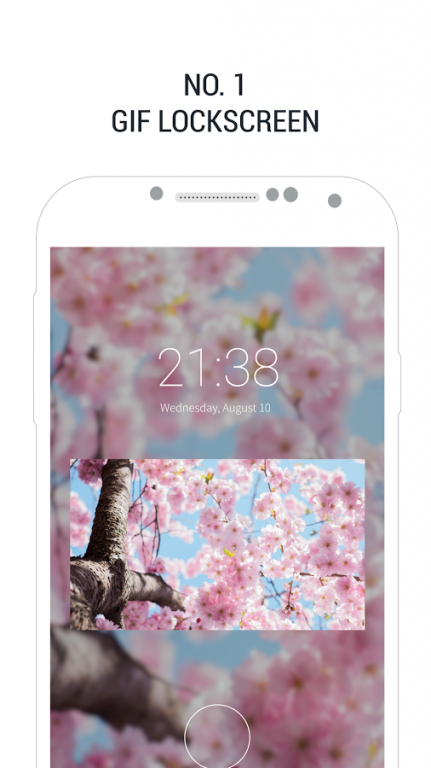
- Make your own IOS style GIF Lock Screen using GIF and VIDEO from your phone.
- Support full screen mode!
- You can make GIF lock screen of your baby, your favorite celebrity and your love.
Key features:
- Make GIF Lock Screen using GIF and VIDEO from your phone gallery.
- Setting keywords and Show new GIF in lock screen everyday.
[Copy right Issue]
All Gif from GIF Locker are uploaded by user who agree with terms of Use.Copyright holders who assum that there is copyright problem, please send us email to delete the contents. All content are belong to content holders.
All photos used for screenshots are licensed under Creative Commons Zero.
How to report:
App main -> Other -> Problem (bug) report
--------------------------------------------------
It is our beta 1.0, it may not function well in some smartphone.
If there is any problem, please let us know via mail with your device model.
Also, send us your ideas and suggestions to "kinajin22@gmail.com".
About ZOOP GIF Lockscreen
The company that develops ZOOP GIF Lockscreen is NALBY Inc.. The latest version released by its developer is 1.3.4. This app was rated by 3 users of our site and has an average rating of 2.7.
To install ZOOP GIF Lockscreen on your Android device, just click the green Continue To App button above to start the installation process. The app is listed on our website since 2016-09-12 and was downloaded 190 times. We have already checked if the download link is safe, however for your own protection we recommend that you scan the downloaded app with your antivirus. Your antivirus may detect the ZOOP GIF Lockscreen as malware as malware if the download link to com.nalby.zoop.lockscreen.wine is broken.
How to install ZOOP GIF Lockscreen on your Android device:
- Click on the Continue To App button on our website. This will redirect you to Google Play.
- Once the ZOOP GIF Lockscreen is shown in the Google Play listing of your Android device, you can start its download and installation. Tap on the Install button located below the search bar and to the right of the app icon.
- A pop-up window with the permissions required by ZOOP GIF Lockscreen will be shown. Click on Accept to continue the process.
- ZOOP GIF Lockscreen will be downloaded onto your device, displaying a progress. Once the download completes, the installation will start and you'll get a notification after the installation is finished.
Program Details
System requirements
Download information
Pricing
Version History
version 1.3.4
posted on 2016-09-12
* VER 1.3.4,- bug fix.,- add auto swipe feature.,- add simple layout mode.,- add "No clock" option.,- add default gifs.,* VER 1.3.1,- fixbugs.,- add pro version feature.,* VER 1.3.0,- add more than 10 gifs (need to watch video),- lockscreen unlock icon changed.,- bug fixed.,* VER 1.2.9,- Faster Background Blur.,- layout modified.,- bugfix.,* VER 1.2.8,- delete app menu added at main menu.,- add "Screen timeout" menu at Lockscreen setting menu.
